


Dental practice folder structure: find the current record
Organise dental practice files around purpose, access and current versions, with a visible folder example and a practical retrieval check.

Published by Dr Sim Raiyat
Clinical Director, Dentorb — Private General Dentist
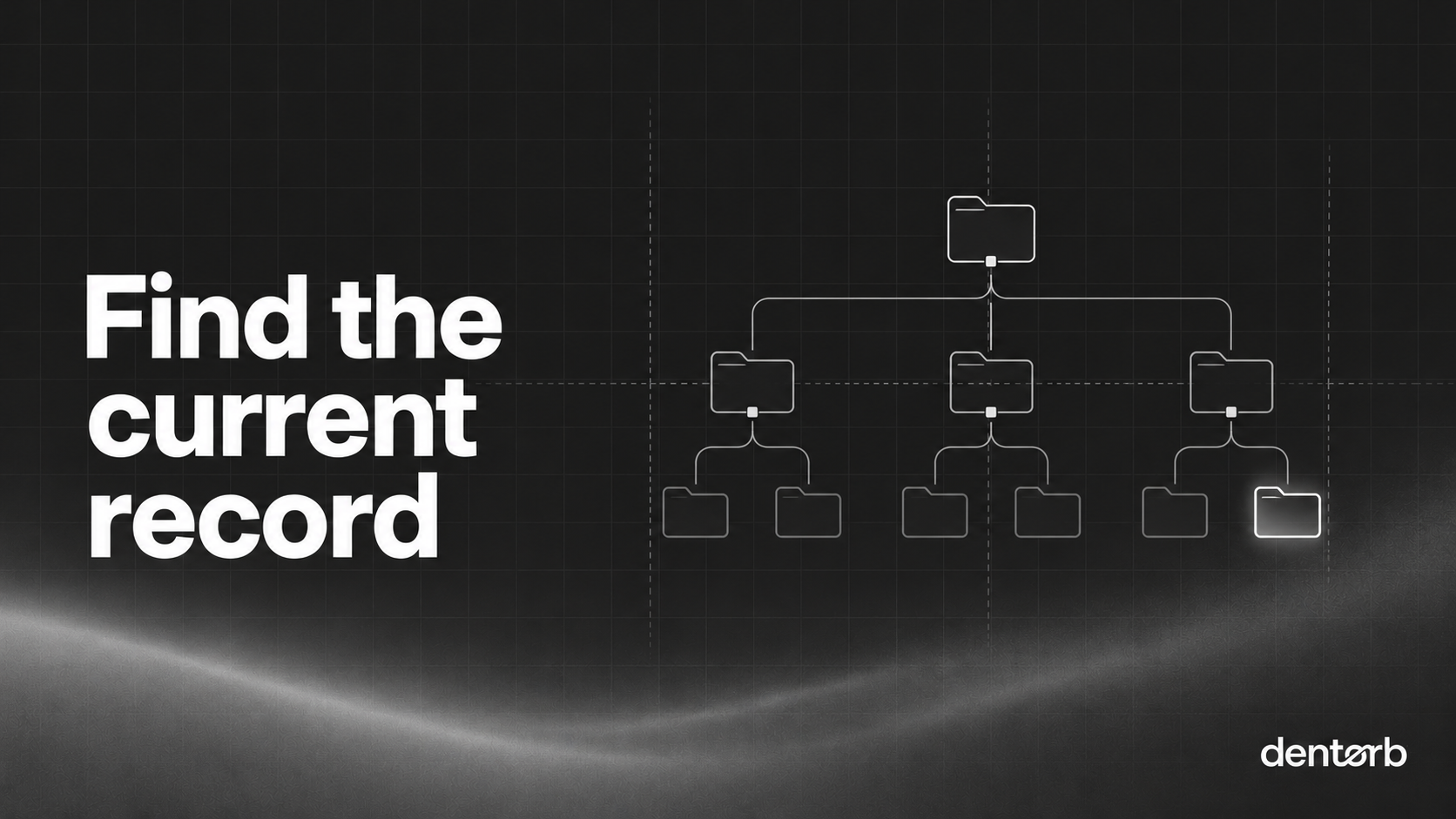
A useful folder structure lets the right person find the current document without exposing records they should not see. Start with purpose and access. A tidy tree cannot fix unclear ownership, uncontrolled links or several competing “final” copies.
Keep the clinical patient record in its appropriate system. This guide proposes an operational filing approach; it does not supply a universal retention schedule or say every document belongs in Dentorb.
Decide the proper home before making folders
List the main kinds of records and their approved systems. A current policy, staff health record, patient image and finance report have different purposes and access needs. Link to an authoritative record where appropriate rather than making another copy simply to fill a folder.
The ICO's records-management toolkit covers controlled records and access. Agree the actual arrangements with the people responsible for your practice's information.
Start with this on-page layout
| Area | Typical content | Access to decide |
|---|---|---|
| Current policies | Approved versions people use at work | Relevant roles |
| Daily procedures | Opening, closing and task instructions | People doing the work |
| Practice evidence | Completed checks and follow-up records | Responsible authorised users |
| People records | Personnel documents | Restricted personnel roles |
| Finance administration | Checked handovers and reconciliations | Restricted finance roles |
| Earlier versions | Superseded documents retained for a defined reason | Appropriate reviewers |
These are suggested areas, not permission settings or legal retention periods. Restricted records may need separate systems or access groups rather than subfolders in a broadly shared drive.
Make the current version obvious
Give documents a recognisable name and stable identifier. Keep owner, approval and review information with the controlled record.
For example, PROC-014 — Reception closing handover — v3 is easier to distinguish than final-new-copy-2. Do not put confidential personal information in a filename that more people can see than the file itself.
Hypothetical example: the closing procedure changes. The owner approves version 3, updates the working link and handles version 2 under the approved history and retention process. Staff can see what changed. Keeping both versions in the current working folder without explanation would force them to guess.
The meeting-record guide helps capture the decision and follow-up; the policy sign-off register guide addresses acknowledgement of the right version.
Check access beyond the folder tree
Test search, previews, direct links and shared links, not only whether a folder appears. Ask a person in each relevant role to locate a current procedure and confirm a restricted record is unavailable to a role that should not see it.
Review external collaborators and leaver access. A shared link can undermine an otherwise sensible folder design. The ICO's data-security guidance explains the need for appropriate safeguards and recovery arrangements.
Ask how recovery works in practice. A recycle bin, a backup and version history serve different purposes. Establish who can restore or export a record and test a suitable example with your supplier. Do not describe an untested recovery feature as guaranteed protection.
Move records with a checked inventory
For a move, list the old reference, agreed destination, owner and check result. Confirm the content and access before retiring the previous working location. Do not delete a source because the new folder contains a similar filename.
The onboarding checklist explains how to agree migration scope and acceptance. Dentorb's Cloud Files overview and before-and-after library page provide a starting point for product discussions. The detailed library page focuses on treatment images; it is not proof that every general document-management function is supported. Confirm the destination and controls for each type of file before moving it.
A useful ten-minute exercise: ask a covering colleague to find one current procedure, its owner and the relevant change. Record confusing names, broken links and access problems as separate actions. The aim is dependable retrieval, not a perfect-looking folder tree.