


Dental operations software onboarding: a checklist alongside your PMS
Plan dental operations software onboarding with agreed scope, imports, permissions, role-based training and a practical acceptance check.

Published by Dr Sim Raiyat
Clinical Director, Dentorb — Private General Dentist
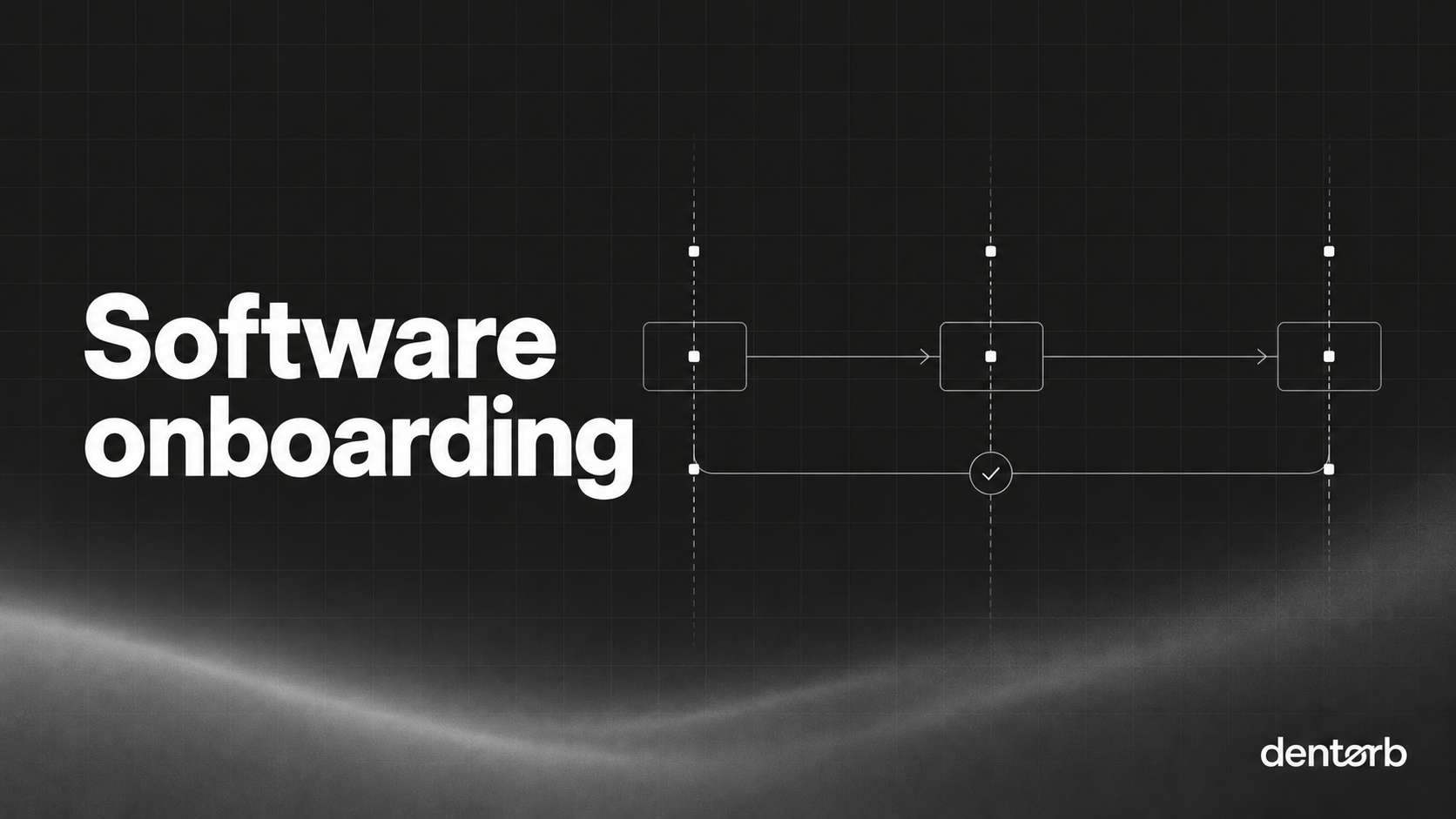
Onboarding dental operations software starts by agreeing which work moves into it and which records stay in your clinical PMS or another approved system. Define the scope, owners and acceptance checks before importing information. A new login is a starting point, not evidence that the practice is ready to use the workflow.
Write down the first operating workflow
Choose an identifiable process such as issuing the rota, managing practice tasks or assigning enquiry follow-up. Record its current inputs, the people involved and the output they need. Define what will be used on the first working day and what can follow later.
Keep the broader product story separate from the import scope. Historical data migration, a live integration and a manual file upload are different arrangements. Obtain confirmation of the specific records, source formats, limitations and responsibilities.
A practical onboarding checklist
| Step | Evidence of readiness |
|---|---|
| Scope agreed | Named workflows, destinations and exclusions |
| Owners assigned | Practice and supplier responsibilities recorded |
| Access configured | Relevant roles tested, restricted records protected |
| Import tested | Sample records matched to the approved source |
| Workflow rehearsed | Staff complete a normal task and an exception |
| Handover agreed | Support route and unresolved items recorded |
| Start approved | Authorised practice owner accepts the defined scope |
Decide the acceptance checks before the migration so missing records are not explained away after the old process has been retired.
Use synthetic and controlled test records
Practise with synthetic examples first. Where a reviewed migration needs actual records, use the agreed secure handling and access arrangements. Select representative cases, including a corrected record, an attachment and an item with restricted access.
Keep totals and identifiers traceable to the source. A matching record count does not prove every field and permission is correct. Ask an authorised user to locate a sample and explain it in the new system.
Worked example: introduce task management
In a synthetic implementation, the practice selects open operational tasks for the first phase. The import includes the task title, owner, agreed due date and a reference to supporting information. Completed historical tasks remain in their existing approved destination unless separately included in scope.
A task with no current owner is not silently assigned to the manager merely to complete the import. It is flagged for a decision. The team then rehearses a routine task, a blocked task and a change of owner before using the workflow for live work.
Train the role, not just the screen
Reception, nurses, managers and owners may need different actions and views. Ask each role to complete its actual job and explain when to escalate. Include how to correct an error and how to find help.
Agree how the practice will operate if a connection or import is unavailable. Keep the previous approved process available until the authorised transition decision. Do not delete or alter a clinical source record simply because an operational copy has been imported.
Dentorb's onboarding page describes agreeing the move and explicitly notes that not every record or system can be imported automatically. Its success manager page describes support. Bring this checklist to the implementation discussion, confirm the supported scope alongside your PMS and record the items still awaiting a decision.
Check the workflow before adopting it
Keep an unresolved-items list alongside the acceptance checklist. Distinguish an issue that prevents the agreed workflow from one assigned to a later phase. Record the owner, effect and approved next step rather than treating every open item as either harmless or a reason to abandon the implementation. Ask the practice’s authorised approver to confirm the defined start scope. Retain the original source and agreed recovery process until that decision is made. The supplier’s completion notice and the practice’s acceptance are related records, but neither should be silently substituted for the other.
Bring a synthetic example to a Dentorb workflow demo and confirm the steps your practice needs.