


Dental payroll handover: check inputs before payday
Hand over approved staff hours, changes and exceptions to your payroll provider. Use an on-page checklist and a worked double-counting example.

Published by Dr Sim Raiyat
Clinical Director, Dentorb — Private General Dentist
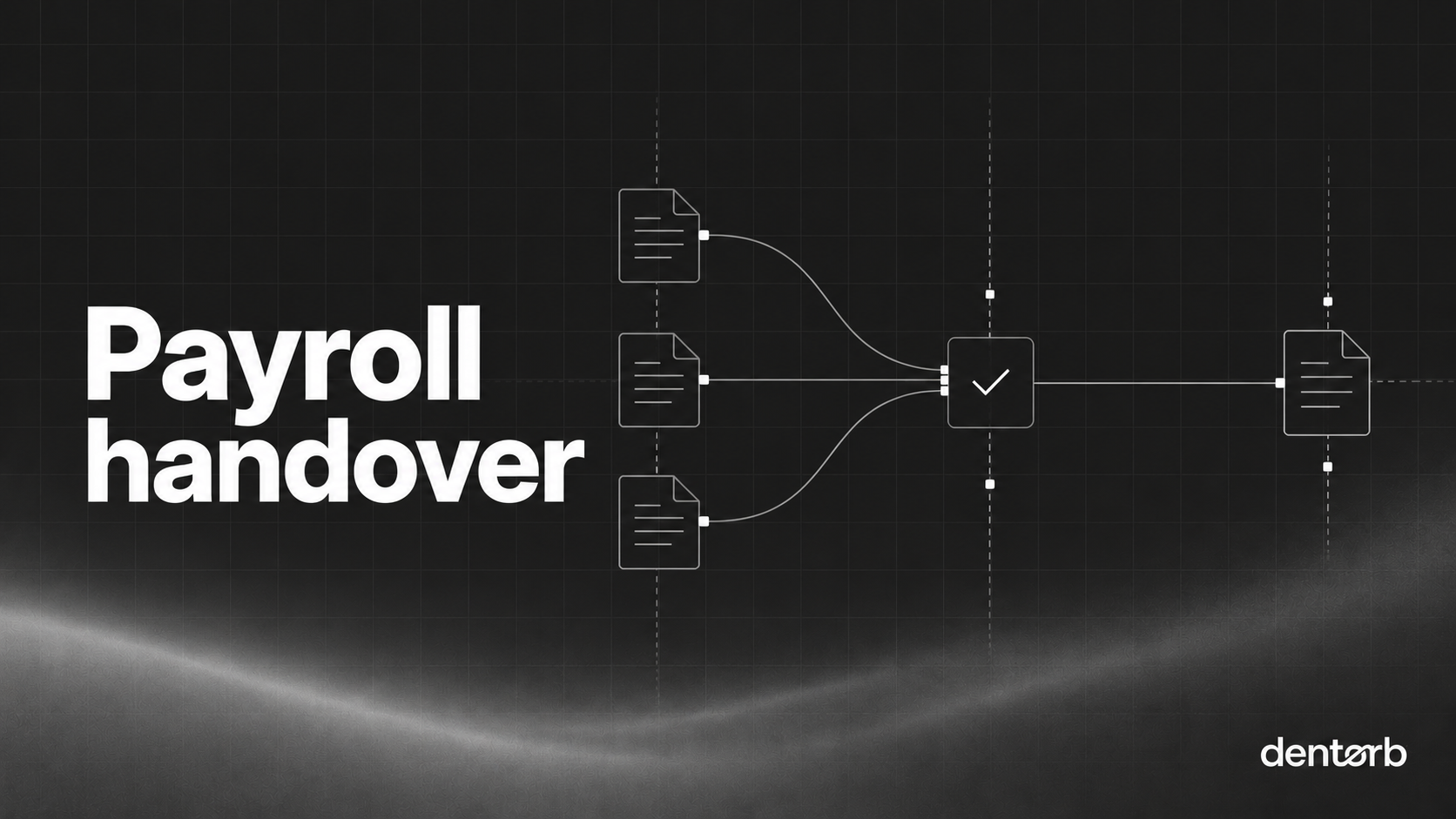
A good dental payroll handover gives the payroll provider one approved set of inputs, with clear dates and explanations. It should be easy to see what changed, what remains unresolved and which version to process.
This is the preparation stage. Calculating deductions, issuing payslips and reporting payroll are separate responsibilities. Confirm who owns them before the first handover.
Agree the period, cutoff and owner
Write down the pay period, payday, practice input cutoff and the provider's processing deadline. These are different dates. The internal cutoff is chosen to leave time for checks; it is not a substitute for a statutory deadline.
HMRC says the Full Payment Submission is normally sent on or before payday, with specified exceptions. A Full Payment Submission, or FPS, is the payroll report to HMRC. Your payroll provider should confirm its reporting process and how changes will be handled.
Name the person who prepares the pack, the person who approves it and their cover during leave. If an associate is paid under a separate contractual arrangement, keep the associate pay statement outside this employee-input pack unless your adviser instructs otherwise.
Use this handover checklist on the page
| Input | Check | Evidence to send or retain |
|---|---|---|
| Employee identity | Matches the provider's employee record | Agreed employee ID |
| Base hours or salary instruction | Correct dates and units | Current approved instruction |
| Additional hours | Authorised and not already in the total | Approval and period |
| Leave and absence | Correct category and relevant dates | Reviewed payroll instruction |
| Starter, leaver or changed terms | Effective date is explicit | Authorised change record |
| Expenses or adjustments | Approved and clearly described | Reference and agreed treatment |
| Open question | Has an owner and decision deadline | Exception list |
Use the rota and leave rules guide to settle approval responsibilities before month end. A shift being visible in the rota does not, by itself, explain its payroll treatment.
Do not copy a detailed health discussion into a routine export. Send the payroll information needed for the agreed purpose through the approved route. This follows the ICO's data-minimisation principle.
Worked example: six hours counted twice
These fictional figures show a file-layout problem, not a pay entitlement.
An employee has 150 base hours and six approved additional hours. The provider can be given either layout below if it has agreed how to interpret it.
| Layout | Base-hours field | Additional-hours field | Combined-hours field |
|---|---|---|---|
| Separate fields | 150 | 6 | Not used |
| One combined field | Not used | Not used | 156 |
The error is sending 156 as the base hours and also sending six as additional hours. A system that adds both fields would process 162 hours. Agree the layout and any pay rates with the provider; never assume an overtime multiplier from an hours label.
Make exceptions visible
For each missing approval or unusual total, record the employee ID, affected period, question, owner and next action. Do not fill a blank with last month's figure just to complete the pack.
If the cutoff arrives before a question is resolved, follow the agreed escalation process. The approver and payroll provider need an explicit instruction about the affected item. A manager should not silently invent an entitlement or defer it without the appropriate decision.
Send one authoritative version
Label the pack with the period, version and approval date. Use an approved secure transfer route and request receipt confirmation. A file reaching an inbox does not prove it has been processed correctly.
For a late correction, identify the exact employee, field, old value and replacement value. State whether the new pack replaces the earlier one or adds a specific instruction. Retain both versions with the decision trail, under the practice's records policy.
Ask the authorised reviewer to compare the resulting payroll outputs with the approved inputs before the pay run is released, following the provider's agreed process.
Check Dentorb's role with a realistic test
Dentorb's pay engine describes combining hours, overtime, leave and sickness into a monthly export for an accountant or payroll system. It does not run payroll.
In a demo, use fictional records containing normal hours, additional hours and a late correction. Ask the team to trace each number back to its source and explain how the provider will distinguish a replacement file. Approve the handover only when the same numbers mean the same thing to both sides.