


Automating recalls by email and SMS
Make recall follow-up consistent while keeping clinical decisions and patient preferences in control.

Published by Dr Sim Raiyat
Clinical Director, Dentorb — Private General Dentist
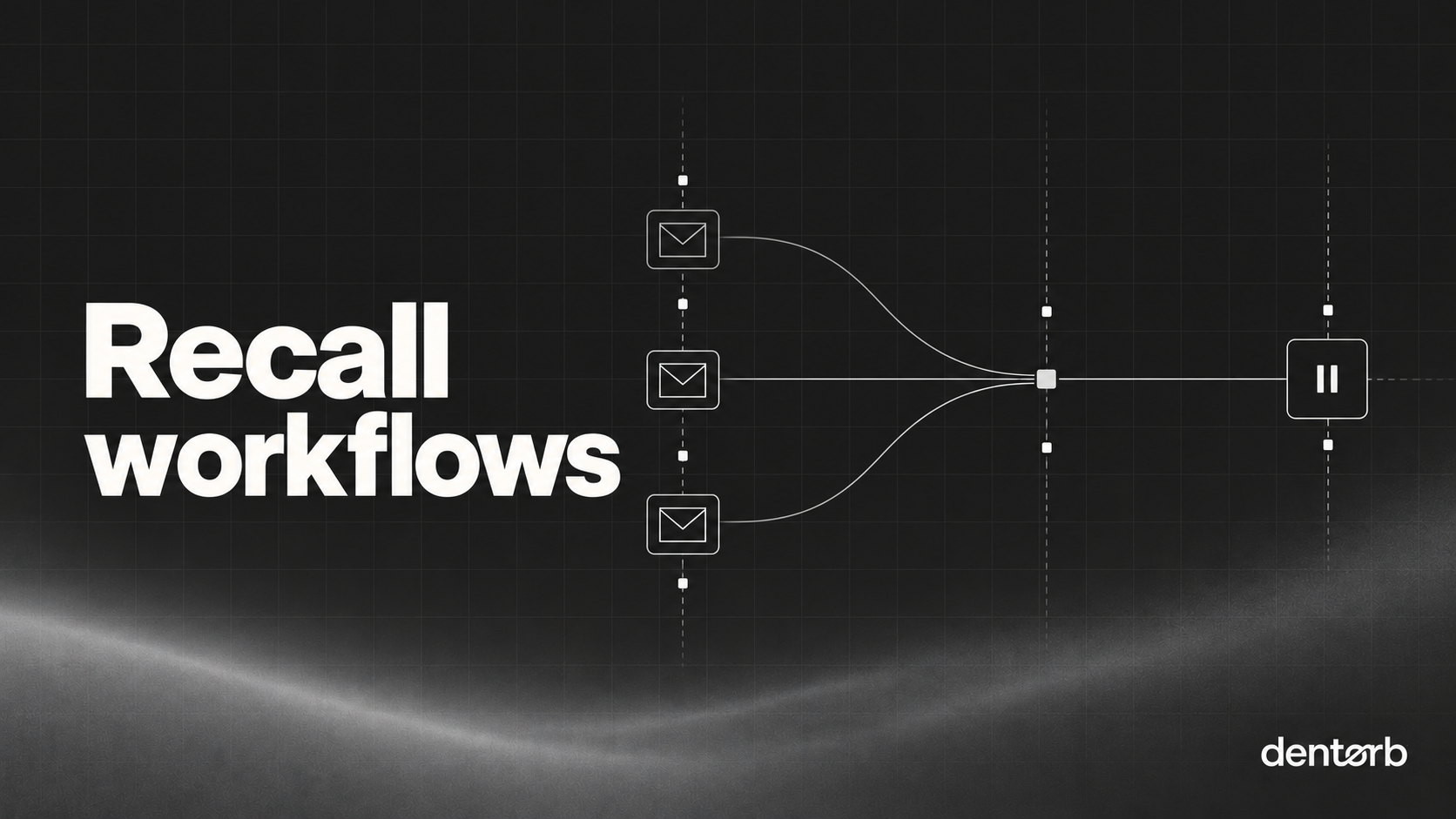
A recall workflow should help patients act on an appropriate reminder without replacing clinical judgement. Start with a clinically agreed recall decision, accurate contact details and a clear reason for the message. Then define when reminders run, how replies are handled and when the sequence stops.
Key takeaways
- The recall interval is a clinical decision — automation only delivers it.
- Service reminders and marketing are treated differently under PECR; keep them separate.
- Always include a stop rule: booked, declined, moved away or deceased.
“The recommended interval between oral health reviews should be determined specifically for each patient and tailored to meet his or her needs”
Separate the clinical decision from the message
The software should not invent a recall interval because a diary has empty space. The clinical team determines the appropriate review approach for the patient. Administration can then organise the reminder and booking process around that decision.
Record the source of the recall date and any relevant exclusions. Check what happens when an appointment has already been booked, the patient has moved, the clinician has changed the plan or a contact preference has changed. An accurate starting list matters more than an elaborate sequence.
Check contact details and message purpose
Confirm the email address or mobile number belongs to the intended recipient and is appropriate for the communication. Be careful with shared family addresses and numbers. Avoid including unnecessary treatment or health detail in a subject line or SMS that may be visible to someone else.
A service reminder and a promotional message can have different privacy and electronic-marketing implications. Adding an offer or promotion can change the nature of an otherwise neutral reminder. Check ICO guidance against the actual wording and context; do not rely on the label “recall” alone.
Write a clear, neutral reminder
Identify the practice, explain the purpose of the contact and give a straightforward way to respond. Use language that supports a patient decision rather than creating pressure or implying an emergency without clinical justification. Make it easy for someone to say they have already booked or that their details need updating.
The recalls page describes Dentorb's intended reminder workflow. For broader campaigns, read the separate email and SMS marketing page; campaign permissions should not be assumed from a clinical reminder process.
Define stop rules before switching on automation
Stop or pause the sequence when a person books, replies, asks not to receive a category of messages or needs a personal conversation. Have a staff member review delivery failures and replies. A sent message does not establish that the patient received or understood it.
Test the workflow using controlled examples before sending to patients. Include duplicate records, missing numbers, changed dates and already-booked patients. Check that the team sees replies through the inbox workflow rather than leaving them in an unmonitored account.
Review the process, not just the send count
Look for messages that reached the wrong person, repeated contacts after booking and unanswered replies. Resolve these before expanding the sequence. Keep access, retention and any external messaging providers aligned with your documented data-handling approach.
Automation is useful when the underlying information and clinical decisions are sound. It cannot repair an inaccurate patient list or establish a lawful marketing basis on its own.
Try the exceptions before sending
Use controlled test records to check a patient already booked, a shared family number, a changed clinical recall date and an undeliverable address. Each example should have an expected outcome and a named person to resolve it. Confirm that a booking or a reply actually pauses further reminders rather than merely adding a note to another system.
Try a contact preference change while a sequence is already running. Make sure the updated preference reaches the sending process before the next message. Keep requests about access, correction or deletion visible to the responsible person; those rights may need assessment alongside lawful record-retention requirements.
Finally, test the staff handover. Who monitors replies when the usual receptionist is away? What happens if a person reports a symptom rather than asking for a routine booking? Provide an appropriate clinical escalation route instead of allowing the automated process to continue regardless of the response.
A simple recall sequence
| Step | Timing | Channel | Stop if |
|---|---|---|---|
| 1 | When due | Appointment booked | |
| 2 | +7 days | SMS | Booked or opted out |
| 3 | +21 days | Phone call by reception | Booked, declined or unreachable |
| 4 | +6 weeks | Final letter or email, then flag for clinician review | Any response |
Before you switch automation on
- Recall intervals set by clinicians per patient
- Contact details and preferences checked
- Wording reviewed: a reminder, not a promotion
- Opt-out honoured across every channel
- Failed deliveries routed to a person
Sources and further reading
Dentorb is pre-launch. Product links describe intended workflows, not a guarantee of availability or compliance. This guide is practical information, not legal, tax or clinical advice.