
Dental CRM software for UK private practices: 10 options
Compare dental CRMs for private practices. See where Dentorb's intuitive, all-in-one operations fit, plus costs, channels, Dentally connections and limits.

Published by Marcus Raiyat
Founder, Dentorb
Choose dental CRM software around the practice you want to run. Dentorb is first in our shortlist for UK private practices seeking intuitive, cloud-based enquiry handling within a wider system for the team, rota, compliance, stock and pay; a dedicated dental CRM suits a narrower brief.
Publisher disclosure: Dentorb publishes this comparison and places its own product first for that defined brief. This is a public-source buying comparison, not an independent performance ranking. We checked official product pages, plans and terms on 10 November 2026. We did not test equivalent vendor accounts or measure learning time, response speed or conversion gains.
Which dental CRM fits your practice?
CRM means customer relationship management: keeping an enquiry, conversation, responsible colleague and next action together. A clinical practice management system, or PMS, keeps the clinical diary and appropriate patient records. Dentorb runs practice operations alongside that clinical system.
| Option | Buying situation | Main limitation to consider |
|---|---|---|
| 1. Dentorb | Private practices wanting CRM and whole-team operations together | Premium, cloud-based whole-system commitment; excessive for CRM alone |
| 2. DenGro | Dedicated dental enquiry handling beside a working PMS | Confirm the connector, plan and communication charges |
| 3. Leadflo | Dental lead pipelines and follow-up | Package-dependent features; precise PMS connection needs confirmation |
| 4. Boxly | Dental enquiry conversations and automation | Verify channel tier, connection and usage costs |
| 5. Dentomation | Considering a clinical PMS with integrated CRM | A broader migration decision |
| 6. HubSpot | A configured CRM and marketing environment | Required subscriptions, data permissions and administration |
| 7. Zoho CRM | Custom workflows with an accountable administrator | Dental configuration and maintenance remain a project |
| 8. monday CRM | Visual pipelines and shared team workflows | CRM-specific permissions, limits and connections |
| 9. Salesforce | Complex group requirements with implementation resources | Enterprise scope, administration and total cost |
| 10. Pipedrive | Assessing a separate non-sensitive business workflow | Exclude sensitive patient-enquiry use under its terms |
The first choices cover dental workflows or wider practice operations. The general CRMs are configuration alternatives, not pre-approved dental setups. Pipedrive is included to explain an important exclusion, not recommended for sensitive patient enquiries. These ten are a selected shortlist, not every product available.
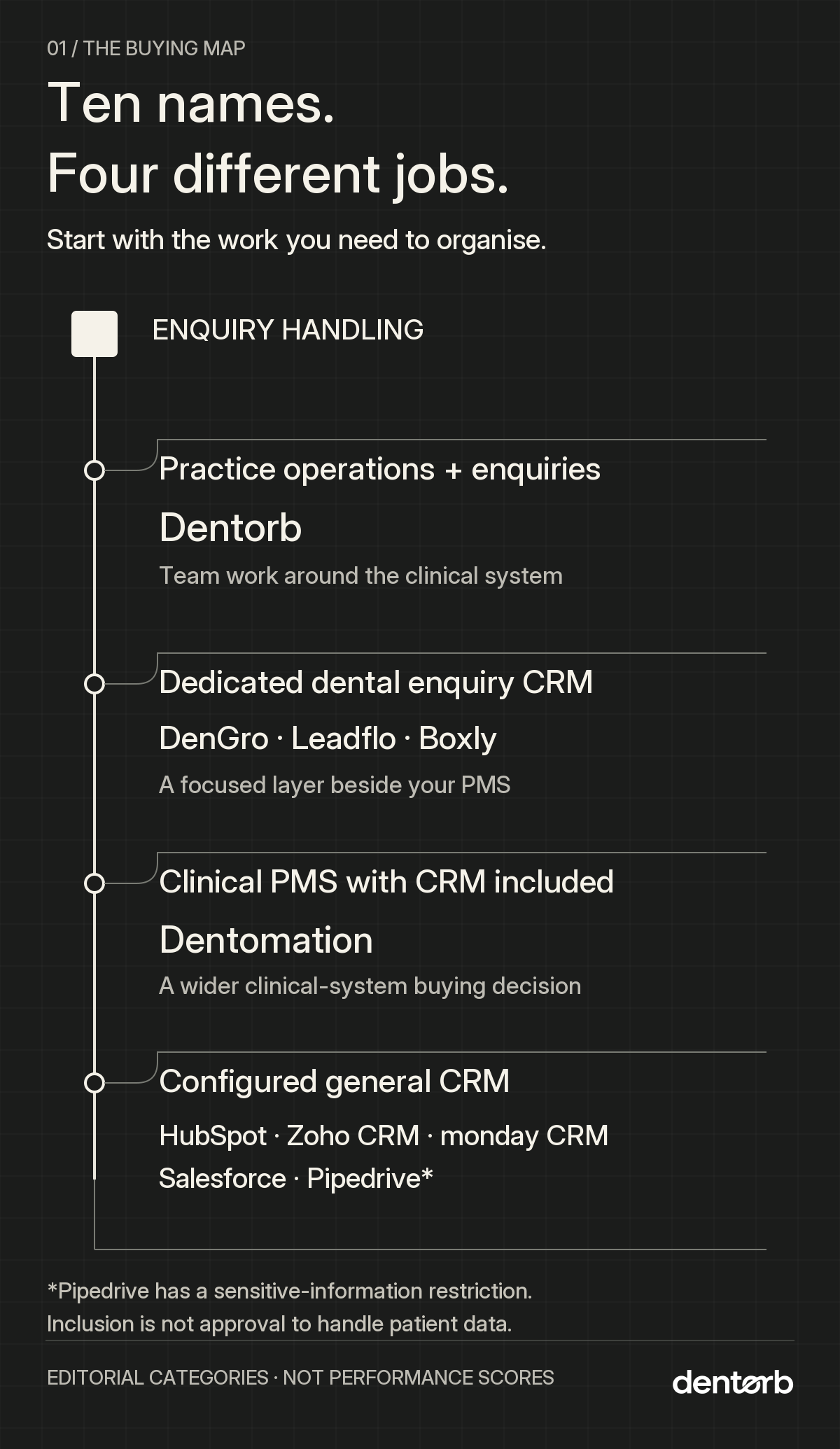
What should the software actually do?
Start with required channels, your clinical system, permitted data and the team's daily work. A feature described as planned is not available to rely on. “Not verified” means our checked sources did not establish a detail; it does not mean the feature is absent.
| Supplier | Documented communications | Clinical-system boundary | Evidence to resolve before buying |
|---|---|---|---|
| Dentorb | Email, SMS, WhatsApp and reception objection handling available | Dentally on Plus/Pro; permission-limited two-way exchange | Exact write actions, channels and selected plan |
| DenGro | Email, SMS and WhatsApp; package/usage distinctions | Documents patient/appointment connections; EXACT currently one-way | Direction, fields, failures and selected connector |
| Leadflo | Email/SMS and lead capture; package dependent | Exact PMS fields/direction not verified | Required plan, onboarding and connection |
| Boxly | Starter and Pro have different channels | Pro documents Dentally two-way functions; Financials extra | Current UK quote, tax wording and connector scope |
| Dentomation | CRM and communications inside a broader dental platform | Shared clinical PMS environment | Migration, selected tier and acceptance tests |
| HubSpot, Zoho, monday, Salesforce | Depend on product, edition and configuration | No included connection to your UK PMS established here | Permitted data, maintained interfaces and implementation owner |
| Pipedrive | General sales tools | Not a suitable route for sensitive patient information | Contractual suitability before features or price |
This is a documentary comparison, not a speed, usability or outcome benchmark. The profiles link the evidence and distinguish supplier statements from work still to demonstrate.
1. Dentorb: intuitive operations and CRM for private practices
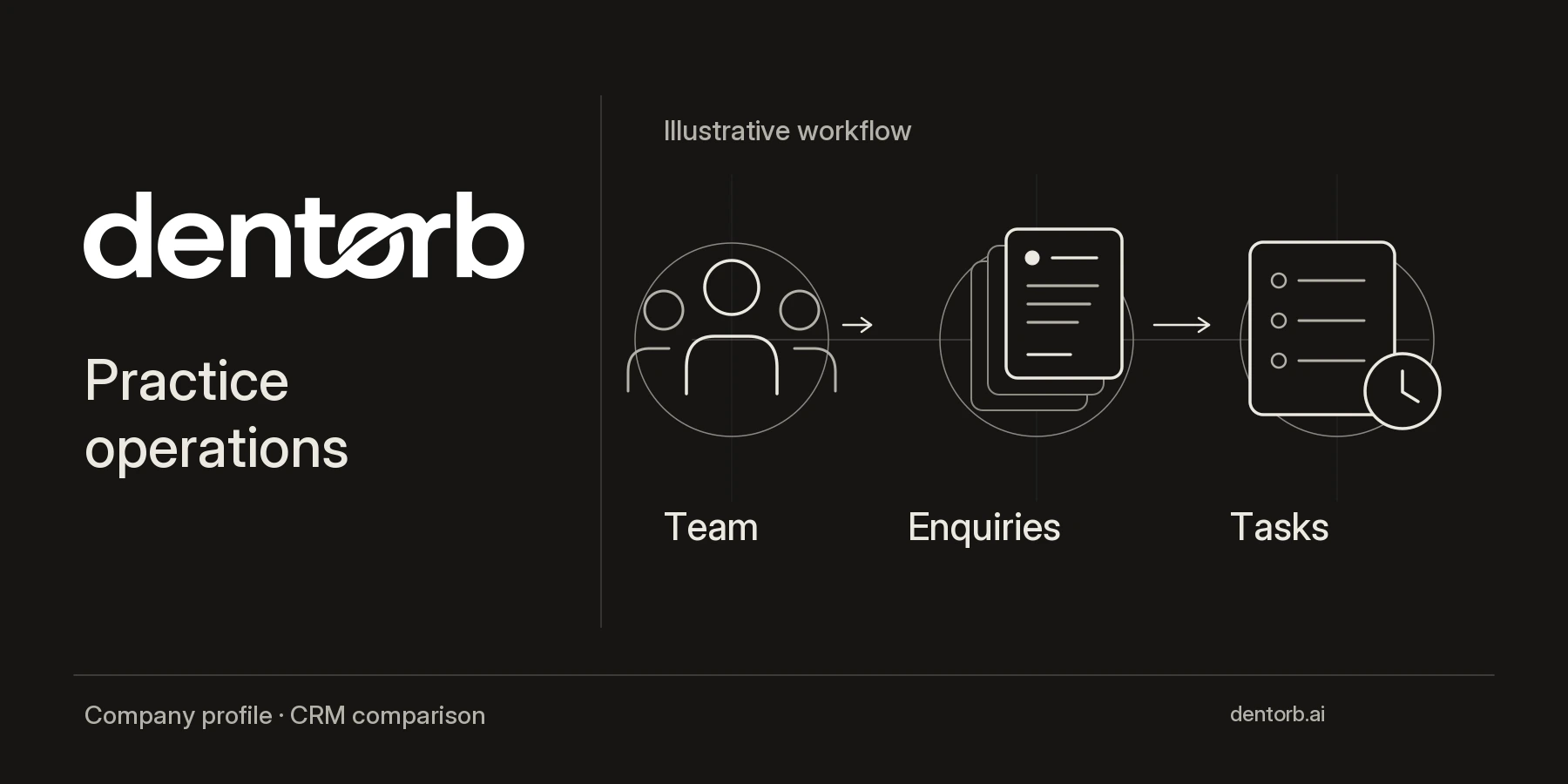
Choose it when: you want a new way to run the private practice around its clinical system, with the whole team working in one place.
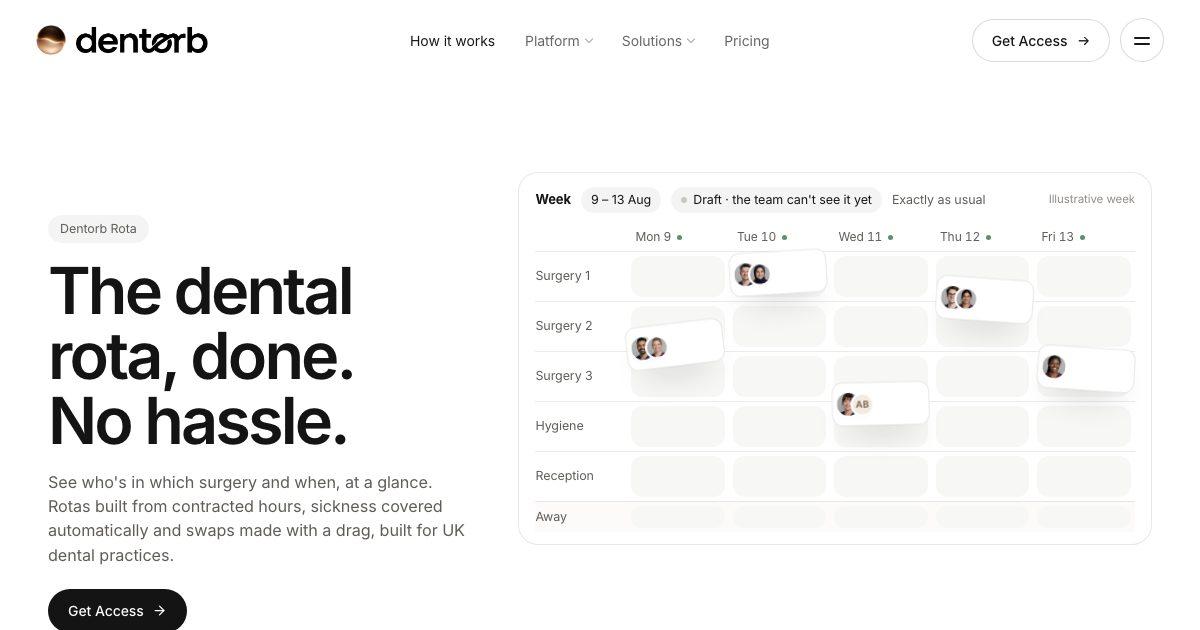
Dentorb is an all-in-one solution for practice operations, including CRM. Enquiries and the inbox sit alongside rotas, leave, meetings, tasks, learning and CPD, compliance, stock, equipment, staff pay and practice reporting. It is designed around an intuitive way of working: ask in plain language, review the proposed work and approve the action. See the platform.
That breadth matters when an enquiry becomes a team handover rather than another entry on a lead list. For example, reception can see the next task while the manager arranges cover. This is an illustrative use case, not a measured customer result.
Learning and adoption: the aim is minimal learning for everyday work, with setup and support provided. It is not a promise that every colleague needs no training. Ask a receptionist unfamiliar with the system to find an enquiry, understand its status and hand it over. Confirm what onboarding includes and how much protected team time is needed. Onboarding.
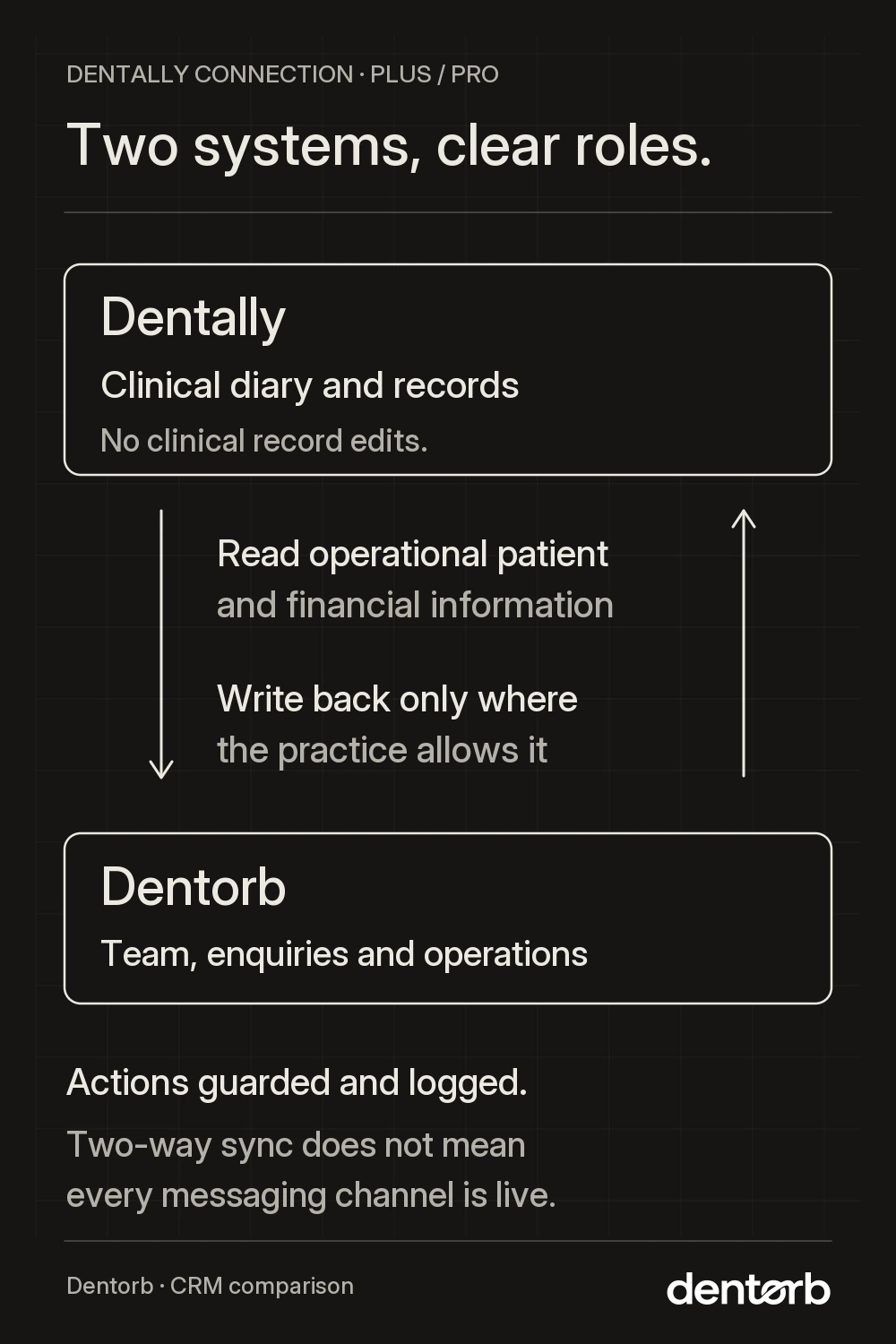
Dentally integration: on Plus and Pro, Dentorb reads operational patient and financial information and can write back where the practice permits. This is two-way system communication, not a claim that every field synchronises. Dentally remains the clinical system and diary; Dentorb never changes clinical records. Agree the permitted actions and demonstrate them. Core works without Dentally, but does not provide that connection. A practice on another PMS can use Dentorb for operations; do not assume that creates an automated connection to that PMS. Dentally connection, plan scope.
Channels and reception support: email, SMS and WhatsApp are available, alongside reception objection handling. Dentorb's founder confirmed this scope for this comparison on 10 November 2026. Confirm the selected plan, messaging allowances, usage charges and approval settings. PMS synchronisation remains separate from patient communications. Inbox, reception sales scripts.
Revenue from Dentally and attribution of confirmed revenue to an individual lead are different capabilities. Confirm the reporting workflow you require. Reporting scope.
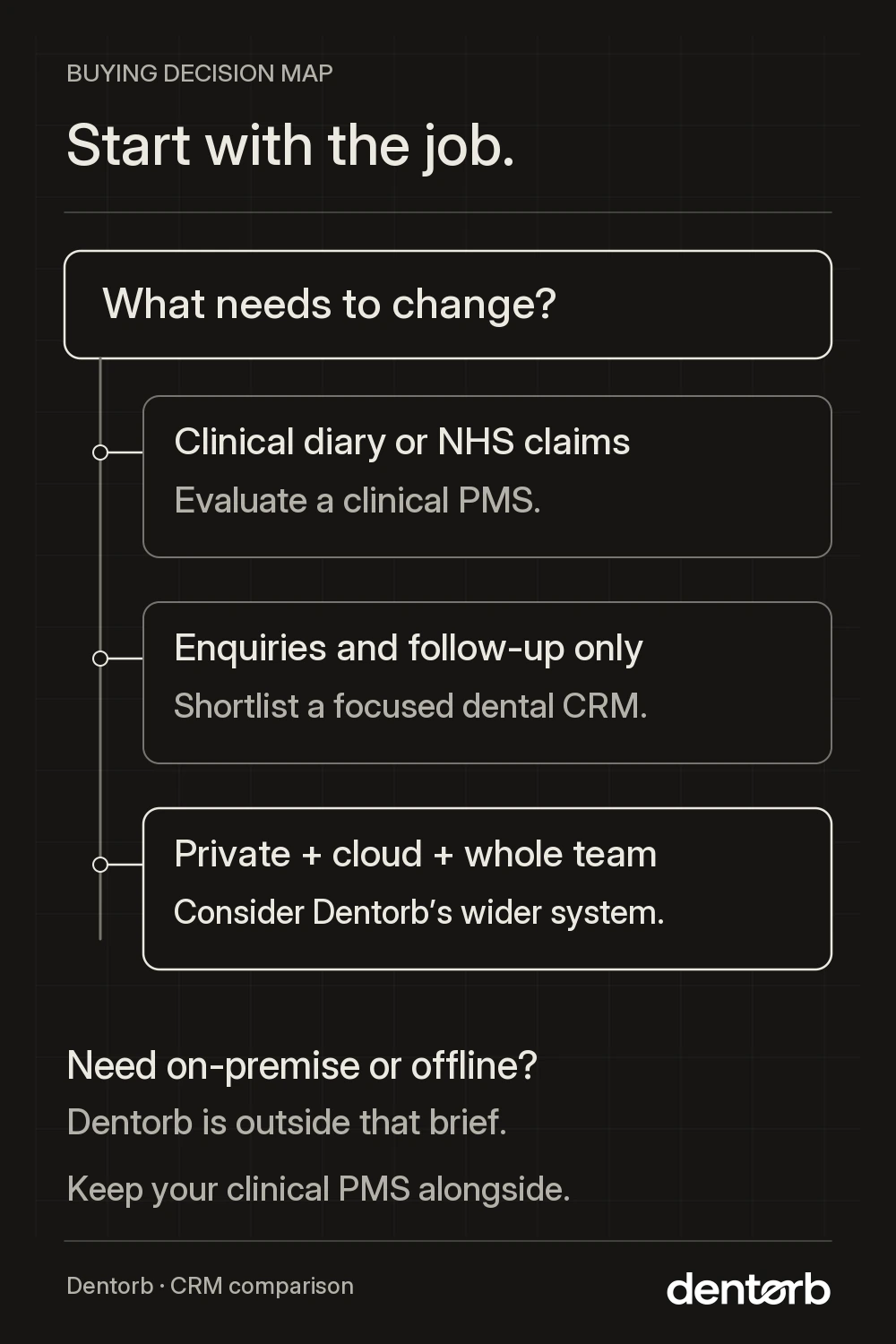
Who should not choose it: Dentorb is designed for private dental practices, not NHS practices or NHS claims operations. Dentorb is not the cheapest route to a lead pipeline and is excessive if you only want a CRM. It is a poor fit if you require local/offline operation, want to keep every department separate, or are not ready to give the team shared routines and time to adopt them. The clinical PMS stays in place.
Commercial commitment: Core is £1,000, Plus £1,500 and Pro £2,500 per practice monthly excluding VAT, with a £1,000 onboarding fee and a twelve-month term billed monthly. A practice includes up to five surgeries; groups need a scoped quote. For the Dentally connection, budget for Plus or Pro, not Core. Usage credits and optional services also need checking. Current pricing and terms.
Compare the full commitment and which existing tools you can genuinely retire; broader scope does not automatically create savings. Optional treatment coordinator and booking support, search, ads management, brand identity and website builds are separately scoped and quoted. Services and terms. The named team sets up the practice, but the manager still needs time to check records, permissions and routines.
2. DenGro: a dedicated dental enquiry CRM
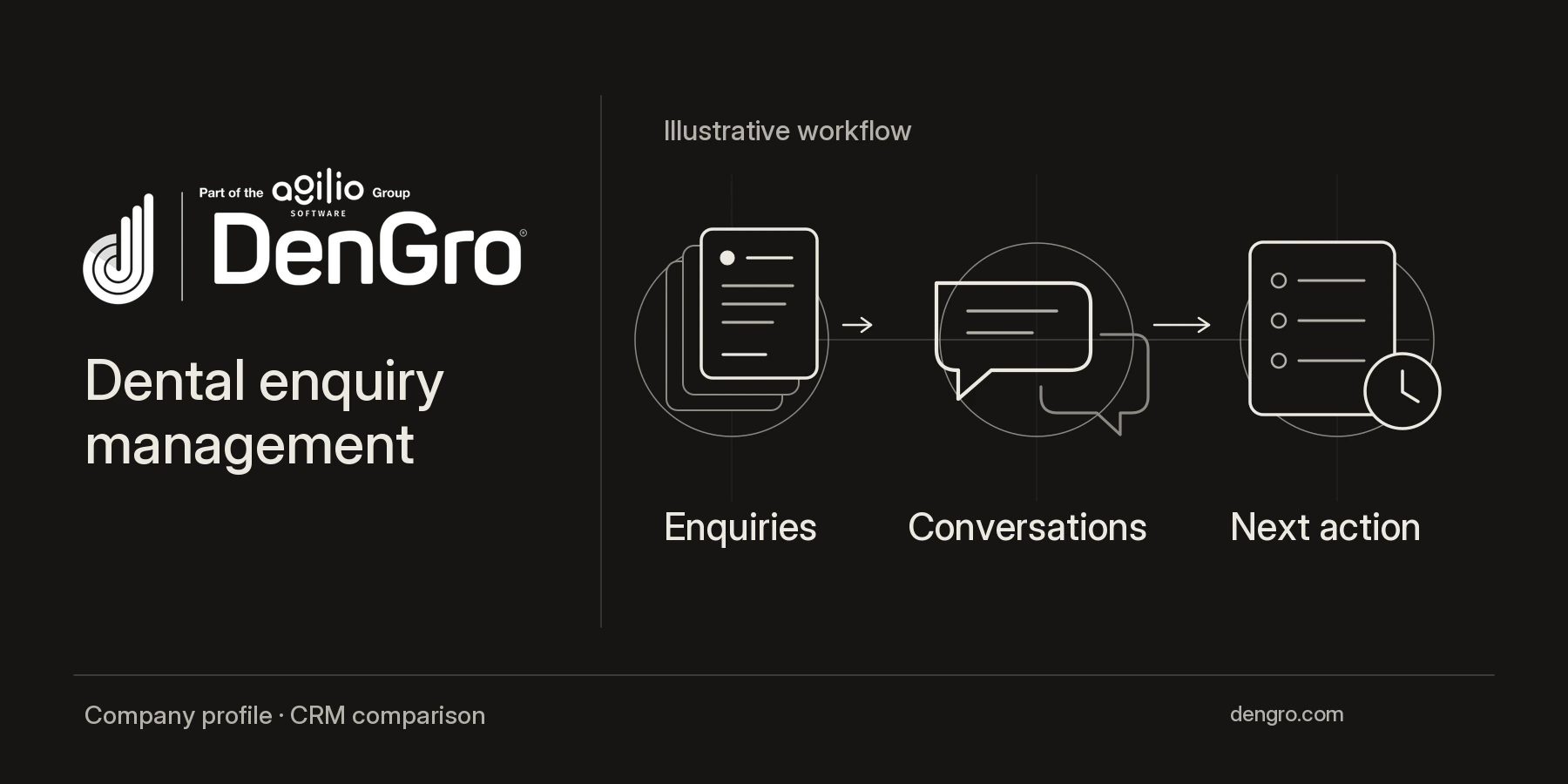
Choose it when: the priority is dental enquiry capture, conversations and follow-up alongside the PMS, rather than wider team administration.
DenGro documents email, SMS and WhatsApp conversations, dental nurture and PMS connections. Its integration descriptions distinguish direction and data; EXACT is currently one-way. Ask to see the actual Dentally, EXACT, Aerona or SfD workflow you require. Connections.
Gro is £199 and Pro £249 per practice monthly including VAT, with unlimited users, no setup fee and rolling 30-day terms. Automated nurture SMS/email are included; shared-inbox WhatsApp/SMS usage charges apply. Verify your package. Pricing.
Trade-off and demo: do not assume rota, HR or pay replacement. Show a booking change in the connected PMS, what returns to DenGro and how failures appear. See our Dentorb/DenGro comparison.
3. Leadflo: dental pipelines and follow-up
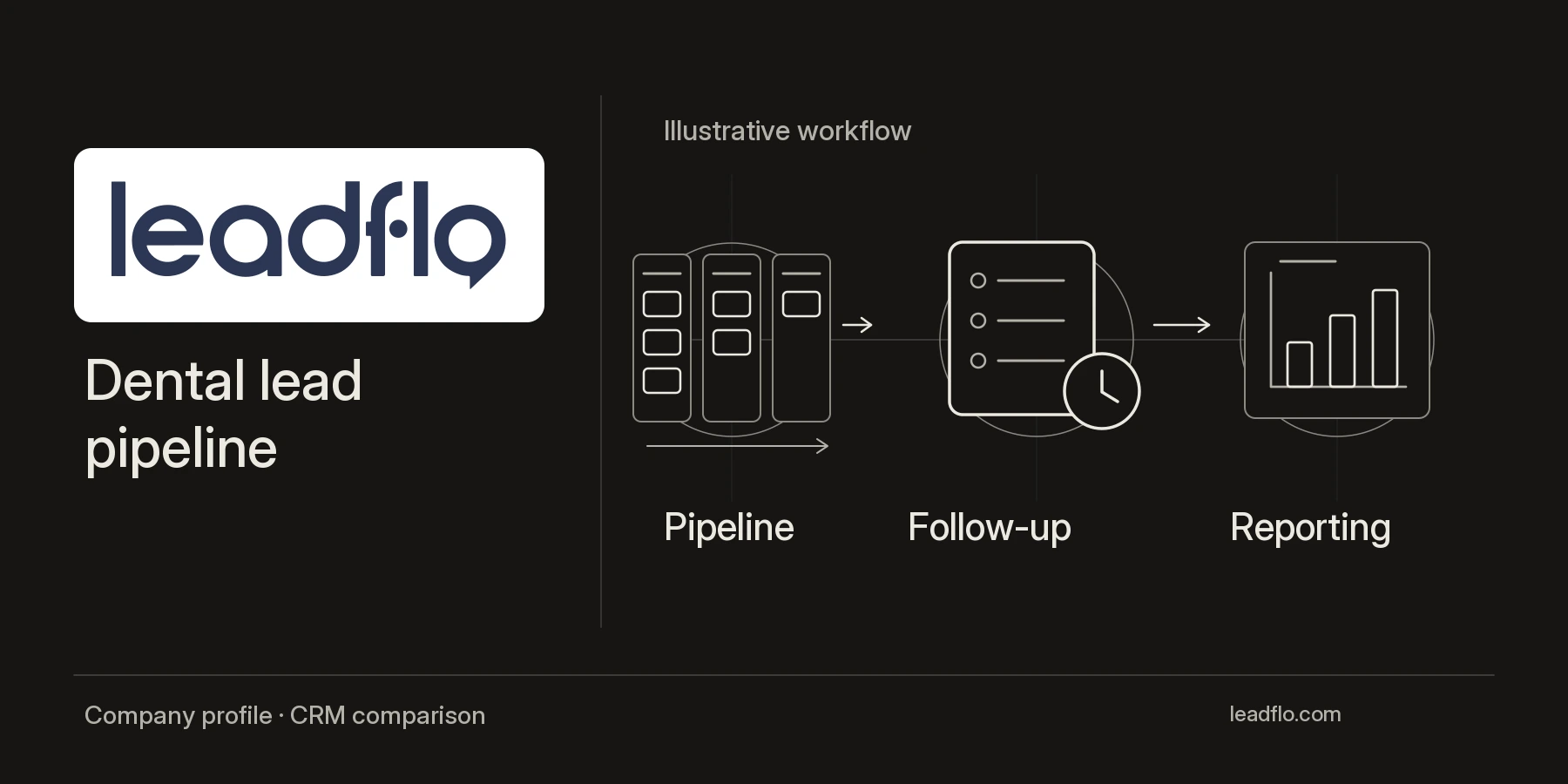
Choose it when: your team wants a dental lead pipeline with communication, automation and conversion-reporting options.
Pipeline is £79 plus VAT monthly; Lite £250 plus VAT monthly. Onboarding is quoted separately. Pipeline's two-way text automation carries an extra fee, while Lite lists a message allowance. Confirm the selected package rather than assuming the entry price includes everything demonstrated. Features and packages.
Trade-off and demo: exact UK PMS fields and synchronisation direction were not established from the checked page. Demonstrate a duplicate, a reply and an already-booked enquiry; confirm how each affects future messages, usage charges and the next action.
4. Boxly: dental conversations and automation
Choose it when: reception wants enquiry conversations, automated follow-up and a dental pipeline.
Its pricing page separates Starter channels from Pro's WhatsApp, SMS, automation and PMS functions. Pro describes two-way Dentally patient/appointment functions, with revenue synchronisation through the Financials add-on; other named PMS connections differ. These are supplier-documented capabilities, not our test results. Plans and connections.
The GBP view inspected showed Starter £150, Pro £300 and Financials an additional £100 monthly. The page labels prices “No VAT”; a search-rendered version showed a different Starter amount. Confirm current UK pricing and tax treatment in writing. SMS is pay-as-you-go; its cancellation FAQ specifies 30 days' notice. Pricing.
Trade-off and demo: verify your channel, connection and allowance. Show a reply stopping inappropriate follow-up and a booking update reaching both systems. See the Dentorb/Boxly comparison.
5. Dentomation: CRM within a clinical PMS
Choose it when: you are considering a broader dental platform change, including the clinical system.
Dentomation describes CRM, patient records, diary and charting in a shared environment, including lead nurture and treatment-plan follow-up. That is a different project from adding enquiry software beside a working PMS. Integrated CRM.
Starter Practice is £499 per practice monthly excluding VAT on monthly billing. Monthly cancellation and annual commitment differ; verify the selected tier, communications, migration and export scope. Pricing.
Trade-off and demo: inspect migrated dummy records, diary continuity, staff training and rollback arrangements. A successful lead demonstration cannot establish that a clinical migration is ready.
6. HubSpot: configurable CRM and marketing
Choose it when: someone owns configuration and maintenance of a wider marketing/CRM environment. HubSpot provides contacts, deals and tasks; its free CRM is not the price of a finished dental workflow. CRM, pricing.
Trade-off and demo: Sensitive Data functionality needs a qualifying Enterprise subscription, settings and terms, with restrictions in certain tools. Confirm permitted fields, exports, connected apps and PMS implementation using dummy records. Sensitive Data documentation.
7. Zoho CRM: configurable workflows
Choose it when: you have a defined process and an administrator to maintain it. Lead, contact, workflow and reporting features vary by edition. Features and editions.
Trade-off and demo: personal-field settings can restrict exports and API transfers, but connected functions can introduce other data flows. Demonstrate permissions, exports and integrations; obtain a GBP quote and name the person maintaining the dental workflow. Data controls.
8. monday CRM: visual team workflows
Choose it when: visual pipelines suit your team and you can own their configuration. Assess monday CRM itself, not features or subscriptions belonging to another monday.com product. CRM, pricing.
Trade-off and demo: confirm CRM-specific access, billing seats, automation limits and PMS connections. Data-region choices depend on the setup and do not establish permission for UK patient information. Show absence cover without exposing unrelated restricted records. Privacy guidance.
9. Salesforce: a scoped enterprise implementation
Choose it when: a group has complex requirements, an accountable administrator and resources for implementation. Select the actual sales or healthcare product before comparing costs. Sales platform.
Health Cloud Sales & Service Core lists £280 per user monthly, billed annually. That is a product reference, not a finished dental deployment quote or a like-for-like dental CRM entry price. Healthcare pricing.
Trade-off and demo: request interfaces, configuration, tax, support and ongoing administration in a scoped plan. Demonstrate your UK PMS requirements rather than assuming a healthcare data model includes them.
10. Pipedrive: a contractual suitability warning
Consider only for: a separately assessed non-sensitive business-development workflow. Its general pipelines, activities and reporting do not override its terms. Product plans.
The terms prohibit collecting, storing, managing or processing Sensitive Information. Exclude a patient-enquiry workflow that contains sensitive health information. Deleting a field called “medical notes” does not establish that replies or attachments contain none. Terms, section 7.3.
How do you compare the real cost?
Compare the same period, tax basis, users, sites and required capabilities. Record subscription, setup, necessary connections, messages, ongoing administration and exit assistance. Separate included allowances from extra usage. Do not deduct old subscriptions until you can actually cancel them.
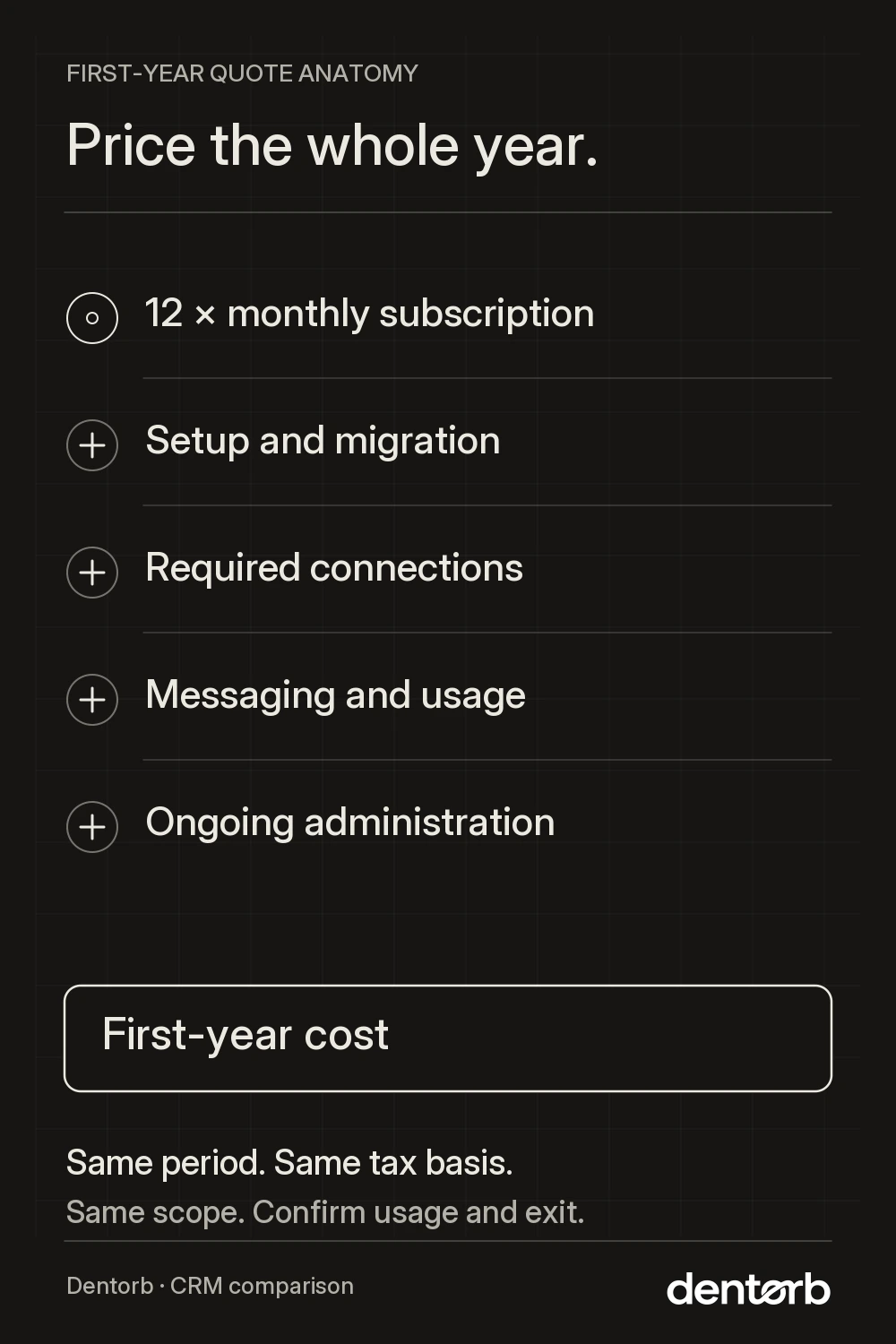
Worked cost calculation: Dentorb Plus at £1,500 monthly for twelve months, plus £1,000 onboarding, gives £19,000 excluding VAT before extra credits or optional services. This adds the published monthly commitment and setup charge; it is not an annual-prepayment offer, a full quote or a savings forecast. Published inputs.
For Dentorb, confirm the current plans, onboarding fee, included credits, surgery allowance, renewal and notice. For dedicated CRMs, confirm channel usage and connection charges. For general CRMs, include configuration and a named administrator. For a new PMS, include migration and clinical acceptance work.
What should you settle before signing?
| Buying question | Answer or evidence to obtain |
|---|---|
| Will the team find it intuitive? | Try normal work with a first-time receptionist. Record help needed; attractive screens are not learning-time measurements. Dentorb provides guided setup and training. |
| What needs to move? | Agree leads, conversation history, documents, permissions and channels that transfer, what stays behind, acceptance checks and a fallback plan. |
| Does it replace the clinical PMS? | Dentorb does not. Dentally remains the clinical system and diary. Treat Dentomation as a broader clinical-platform decision. |
| Does two-way mean everything updates? | No. List records, directions, allowed writes, timing, duplicates, replies, bookings and failure ownership for your exact connector. |
| Can all colleagues use it safely? | Dentorb describes role-based access to sensitive staff, pay and patient information. Demonstrate cover and export permissions; unlimited users does not mean unrestricted access. Access controls. |
| Can we work without internet? | Dentorb's offer is cloud-based. If offline/local operation is essential, it is the wrong fit. Agree continuity arrangements and supplier outage support. |
| What does the contract commit us to? | Dentorb publishes a twelve-month term billed monthly and renewal notice at least ninety days before the end. Read the renewal and later-notice consequences before signing. Terms. |
| Can we leave with our records? | Dentorb states complete export is free and deletion confirmed in writing; migration assistance can be paid. Check formats, attachments, history, timing and access after cancellation. Exit details. |
| What support is included? | Dentorb provides general support and describes a dedicated success manager on upper-tier plans. Confirm eligibility, hours, urgent escalation and connection-failure ownership in the order. Support scope. |
| What about groups and growth? | Dentorb quotes groups separately; confirm practice/surgery limits, per-site plans, permissions, reporting and phased rollout. Group pricing. |
| Will AI send or change things without us? | Confirm draft review, approval rules, logs and permitted actions. Dentorb says external sending, spending, access changes and deletion wait for approval; practice data is not used to train AI. Confirm recurring-template rules and logs; clinical records are never changed. Controls. |
| Can we report confirmed revenue? | Distinguish lead source, bookings, attendance, treatment and settled receipts. A source tag or proposed treatment value is not money collected. |
What can we genuinely benchmark?
Our completed work is a parallel public-document review, including plan, channel, integration and contractual checks. We have not measured product speed, learning curves, conversion improvement or ROI. Agents' estimates would not establish those results.
Use an identical fictional enquiry with each finalist: capture it, identify a duplicate, assign cover, reply, book, amend or cancel, inspect an exception and export the history. Record the exact plan, test conditions, assistance and observed result. A supplier demonstration is labelled as such; a timed independent test needs equivalent authorised accounts. Never send real patient data or unsolicited messages.
Our enquiry tracker defines the starting record; the lead-quality scorecard separates enquiries, bookings and outcomes. Use the onboarding checklist to assign migration and acceptance responsibilities.
How do you protect patient information?
Health information has stronger protection under UK data-protection rules. Check permitted data, the processing contract, roles, hosting, subprocessors, retention, exports and connected AI services before import. A badge or hosting region does not approve your configuration. GOV.UK guidance.
Keep answering an enquiry separate from promotional follow-up. Have your privacy lead check purpose, permissions and opt-outs; NHS public-task examples cannot simply be transferred to a private practice. Health-communications guidance.
How should you make the final choice?
Choose Dentorb if you want a private practice's CRM and wider operations together, accept a premium cloud system and will support whole-team adoption. Choose a focused dental CRM if enquiries are the only gap. Consider a general CRM only with suitable data terms and implementation ownership; assess a new PMS as a larger change.
For Dentorb, book a demo with a practical brief: show the enquiry, the next action, the team handover and the permitted Dentally exchange. Agree live scope and the full commitment before deciding.
Sources and review date: official sources appear beside each claim. Last checked 10 November 2026. Conflicting plan pages or release descriptions need written confirmation. Recommendations reflect this stated buying brief, not independent performance awards or predicted results.
Frequently asked questions
Which dental CRM suits a private practice wanting one operations system?
Dentorb is first in this publisher-led shortlist for private practices seeking enquiry handling together with the team, rota, compliance, stock and pay. Its premium cloud scope is excessive for CRM-only needs. Dedicated dental CRMs and configured general systems suit different briefs; no independent performance ranking is claimed.
Does Dentorb have a two-way Dentally integration?
On Plus and Pro, Dentorb reads operational patient and financial data and can write back where the practice permits. Confirm the exact records and actions for your setup. Dentally remains the clinical system and diary; Dentorb never changes clinical records. PMS synchronisation is different from patient-messaging channel availability.
Does Dentorb need training or work offline?
Dentorb is designed for intuitive everyday use with minimal learning, supported by setup and training. Zero training time has not been measured or promised. The offer is cloud-based; a practice requiring offline or local operation should choose a different approach and every practice should agree continuity arrangements.
Who should not choose Dentorb?
Dentorb is designed for private practices, not NHS practice or claims operations. It is not the cheapest CRM-only purchase. It is a poor fit if you require offline operation, need only a lead pipeline or will not support whole-team adoption of shared routines.
Can any CRM hold dental patient information?
No. Check the permitted data, processing terms, permissions and connected workflows. Pipedrive's sensitive-information restriction rules out a workflow containing sensitive health information. A general CRM licence, healthcare badge or UK hosting claim does not by itself establish suitability for your setup.
Did you test the software or estimate performance benchmarks?
We checked public product documentation, pricing, integration descriptions and terms. We did not run equivalent vendor accounts or measure learning time, speed, conversion or ROI. The worked cost calculation uses published inputs; estimated performance is not presented as observed test results.
Which communication channels and reception support does Dentorb offer?
Dentorb offers email, SMS and WhatsApp, alongside reception objection handling. Availability was confirmed by Dentorb's founder for this comparison on 10 November 2026. Confirm the selected plan, messaging allowances, usage charges and approval settings. Patient communication channels are separate from Dentally system synchronisation.